WorshipDeck vs PowerPoint
Compare WorshipDeck with PowerPoint and Google Slides for church lyrics, scripture, and live services.
| WorshipDeck | PowerPoint / Slides | |
|---|---|---|
| Install and devices | Browser; optional Android TV + Windows host | Win/Mac/web (PPT); browser (Slides) |
| Where the library lives | Church cloud workspace | Drive / email files |
| Team prep during the week | Invite, shared library, browser | Share a file |
| Live edit without stopping screens | Yes, from present mode | Limited; often stop show |
| Scripture and songs | Church Bibles; catalog + My songs; no SongSelect | Manual |
| AI and media tools | Ezra, Media AI, animate image | Designer / stock |
| Outputs and multi-screen | Local browser, Android TV, Windows host; variants | Slideshow + presenter view |
| If the booth PC fails | Sign in on another device | Open the file elsewhere |
| Pricing model | Subscription; same features, capacity differs | M365 or free Slides |
| Best fit | Volunteer teams, Chromebooks, shared library | Familiar one-screen slides |
PowerPoint and Google Slides are general slide tools. WorshipDeck is church presentation software — an alternative to PowerPoint when lyrics, scripture, and a live setlist should not be a pile of leftover Sunday files.
Who PowerPoint and Google Slides are for
PowerPoint (Microsoft 365, or a one-time Office license in some channels) runs on Windows, Mac, web, and mobile. Google Slides is browser-first, free with a Google account, and the default on many Chromebooks. Both store files in Drive or OneDrive. Neither is a church song catalog, Bible insert, or service setlist product. Output is one slideshow plus presenter view; multi-screen church layouts and stage chords are do-it-yourself.
That is the right tool when everyone already knows the file, the pastor built the sermon in slides, and the room is one screen with no lyric workflow.
Choose WorshipDeck if
- You need lyric slides, scripture insert, and an ordered service
- Operators should edit live without stopping congregation screens
- Content variants should send bilingual, lower-third, or confidence output to the right display
- Stage devices need presenter notes and chord charts, not a house-screen cheat sheet
- Outputs include Android TV or a multi-monitor Windows host, not only HDMI from one laptop
Choose PowerPoint or Google Slides if
- The room is one screen and the pastor already built the sermon as a deck
- The team will not leave Google Drive, and Slides on a Chromebook is enough
- Familiarity matters more than a song catalog or Bible insert
- You only show a verse or two and do not run a lyric setlist
Switching notes
WorshipDeck can export supported main slides and speaker notes to a .pptx from the presentation library. Review that file before Sunday: variants, live annotations, and some media will not survive the trip. You cannot import a full Sunday workflow from Slides or PowerPoint.
See pricing for plan capacity. Starter and Church include the same features; do not assume a dollar amount from this page.
Related comparisons
If generic slides are no longer enough but a production desktop feels heavy, see WorshipDeck vs EasyWorship or WorshipDeck vs OpenLP. Media teams comparing broadcast software should read WorshipDeck vs ProPresenter.
Related
WorshipDeck vs ProPresenter
Compare WorshipDeck and ProPresenter: web-based church slides and a shared library versus desktop live-production software for multi-screen and broadcast rooms.
WorshipDeck vs EasyWorship
Compare WorshipDeck's browser library with EasyWorship 8 for Mac and Windows volunteer booths.
WorshipDeck vs OpenLP
Compare WorshipDeck with OpenLP, the free open-source church presentation app for Windows, Mac, and Linux.
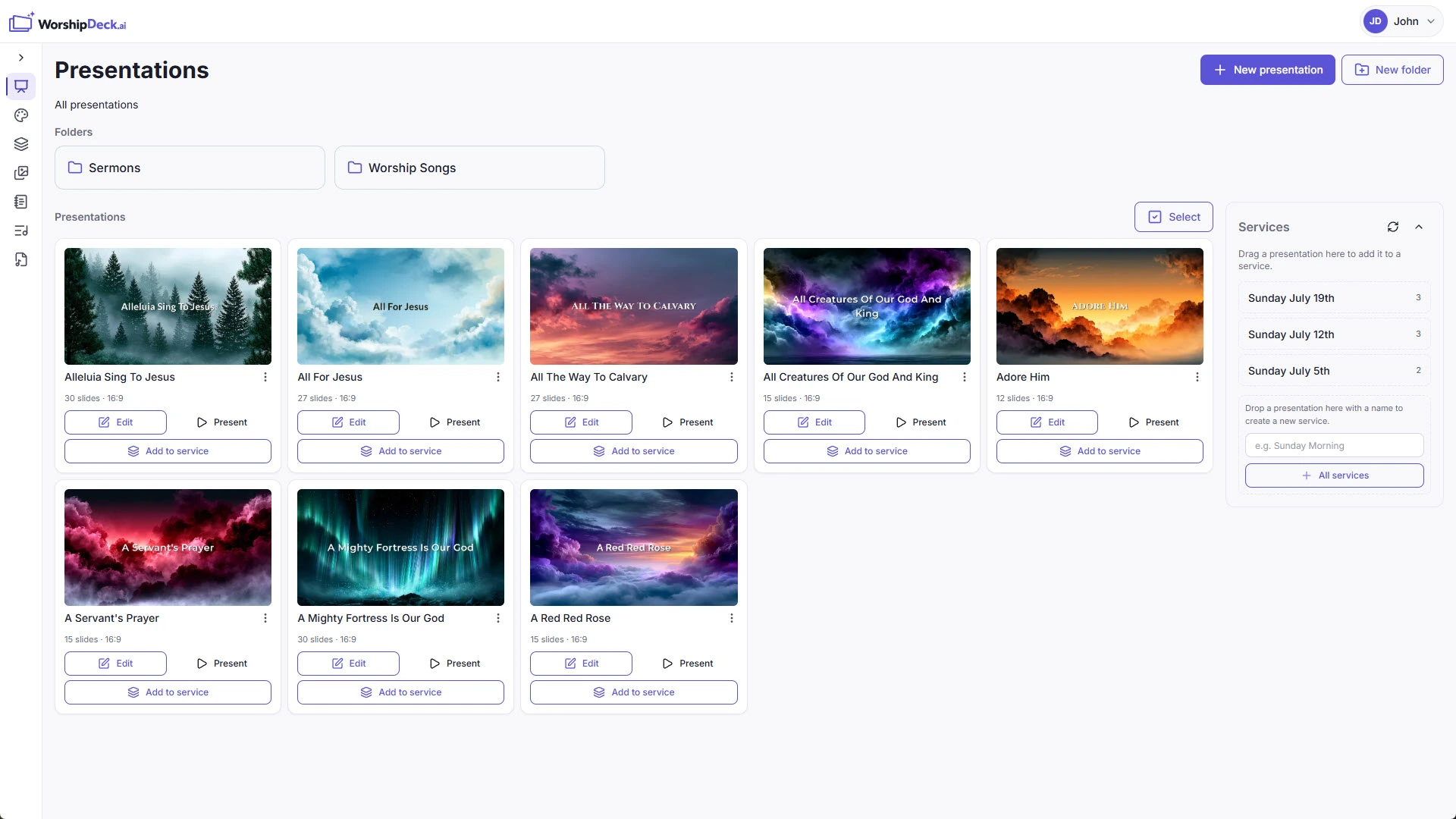
Presentations for Sunday, built in the browser
Build church presentations in the browser with scripture, lyrics, quotes, prayers, media, themes, and a drag-and-drop slide editor. Organize decks in folders and share them with your team.