Who it's for
Built for Chromebook churches
Let volunteers prepare and run Sunday from the Chromebooks your church already owns, with flexible outputs and an optional offline-ready Windows or Mac booth.
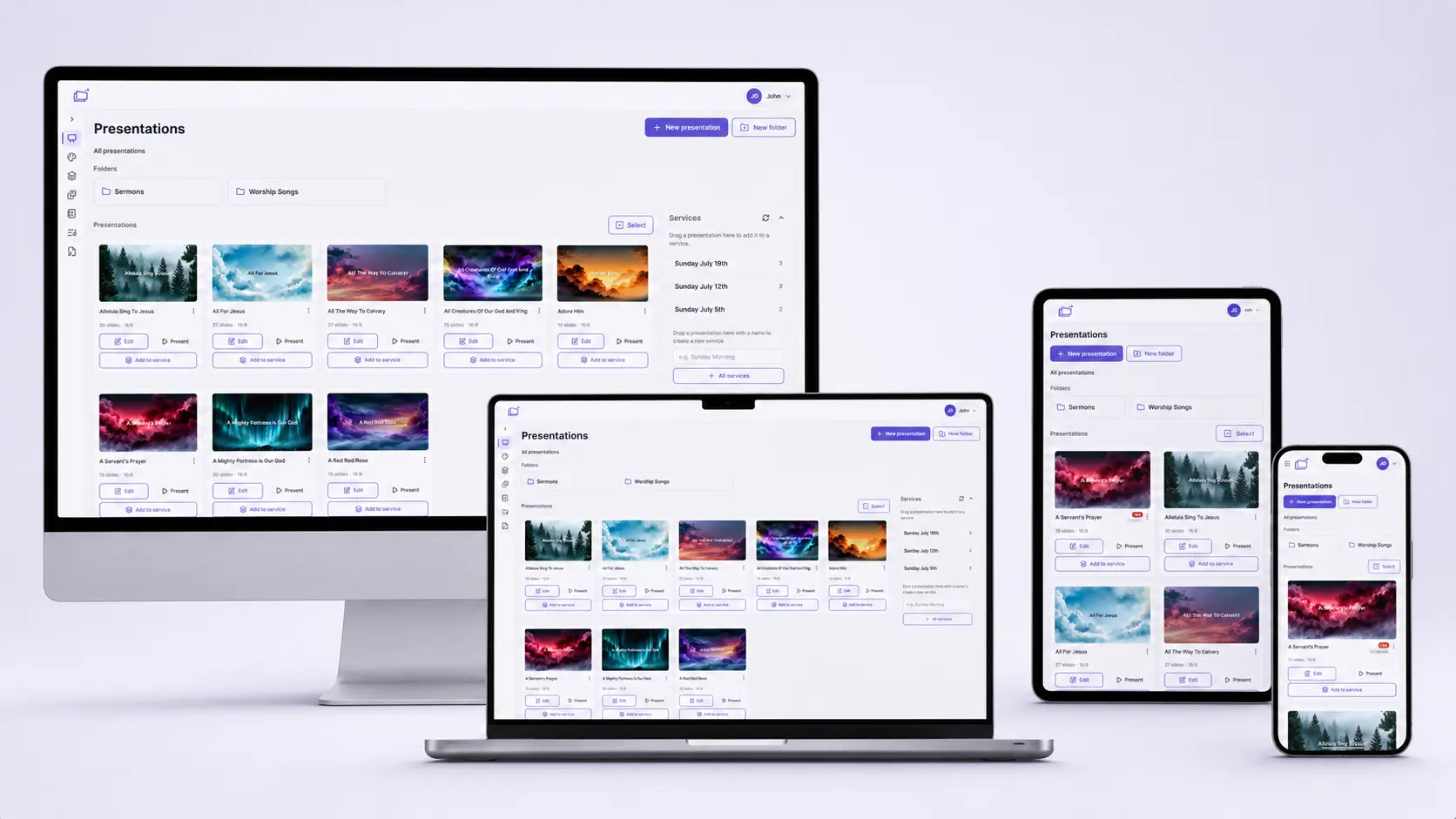
If your church bought Chromebooks because they are simple, cheap, and hard to infect, you should not need a leftover Windows tower "just for Pro-style software." WorshipDeck runs in the browser. Chrome is enough.
What you can do on a Chromebook
- Build presentations and services
- Compose lyric decks and keep sermon notes
- Go live as the operator
- Drive Android TV without sitting under a projector
- Invite the team so Sunday is not one login on one device
Web-based is the product, not a lite mode.
Output without a presentation PC
Remote: pair Android TV or desktop app outputs once; open them from present mode. The operator can still run the service from the Chromebook.
Cable: USB-C to HDMI into the projector still works. WorshipDeck does not require a special capture device.
If the room has a multi-monitor Windows or Mac booth computer, the optional WorshipDeck desktop app can manage those monitors as paired Remote outputs while a Chromebook runs the web operator. The smaller automatic-fullscreen policy helper applies only when the booth computer itself opens Local browser outputs.
The Chromebook browser needs connectivity. If internet resilience is essential, sync the service to that Windows or Mac desktop booth before Sunday; content marked Ready offline can start locally there without the server.
Tips that matter on Chrome OS
- Use a modern Chrome and allow pop-ups if you open local output windows
- Prefer uploaded media files for critical video on TV outputs
- Rehearse Start and outputs before the gathering, same as any platform
- A 14-inch Chromebook is a better editor than a phone; phones still work for advancing slides
Who this is for
Volunteer-led congregations, youth rooms, plants, and small churches that standardized on Chrome OS. Pastors and worship leaders on Chromebooks use the same pastor and worship team workflows.
See pricing, then present from the device already in the tote bag.
Related
Web-based church presentation software
WorshipDeck's editor and live controls run in the browser. Prep and present from Windows, Mac, Chromebook, tablet, or phone, with Android TV, Fire TV, local browser, or multi-monitor Windows and Mac outputs.
Flexible displays for every room
Drive projectors, TVs, and monitors from WorshipDeck. Pair Android TV, Fire TV, or multi-monitor Windows and Mac outputs, open local browser windows, and route the right content to each display with screen layouts.
Live presentation without stopping the room
Run Sunday from a browser operator console. Preview before you go live, advance slides from the keyboard, annotate, and edit presentations or service order without interrupting congregation screens.
Built for small churches
Help a small volunteer team prepare together, reuse weekly content, hand off the booth, and keep a synced Windows or Mac booth ready when internet is unavailable.