WorshipDeck vs OpenLP
Compare WorshipDeck with OpenLP, the free open-source church presentation app for Windows, Mac, and Linux.
| WorshipDeck | OpenLP | |
|---|---|---|
| Install and devices | Browser; optional Android TV + Windows host | Win/Mac/Linux/FreeBSD, free |
| Where the library lives | Church cloud workspace | Local service files |
| Team prep during the week | Invite, shared library, browser | Copy files / USB |
| Live edit without stopping screens | Yes, from present mode | Desktop |
| Scripture and songs | Church Bibles; catalog + My songs; no SongSelect | Import songs/Bibles |
| AI and media tools | Ezra, Media AI, animate image | Local media / VLC |
| Outputs and multi-screen | Local browser, Android TV, Windows host; variants | Audience + LAN stage view |
| If the booth PC fails | Sign in on another device | Install anywhere free |
| Pricing model | Subscription; same features, capacity differs | Free (GPL) |
| Best fit | Volunteer teams, Chromebooks, shared library | Zero budget / Linux |
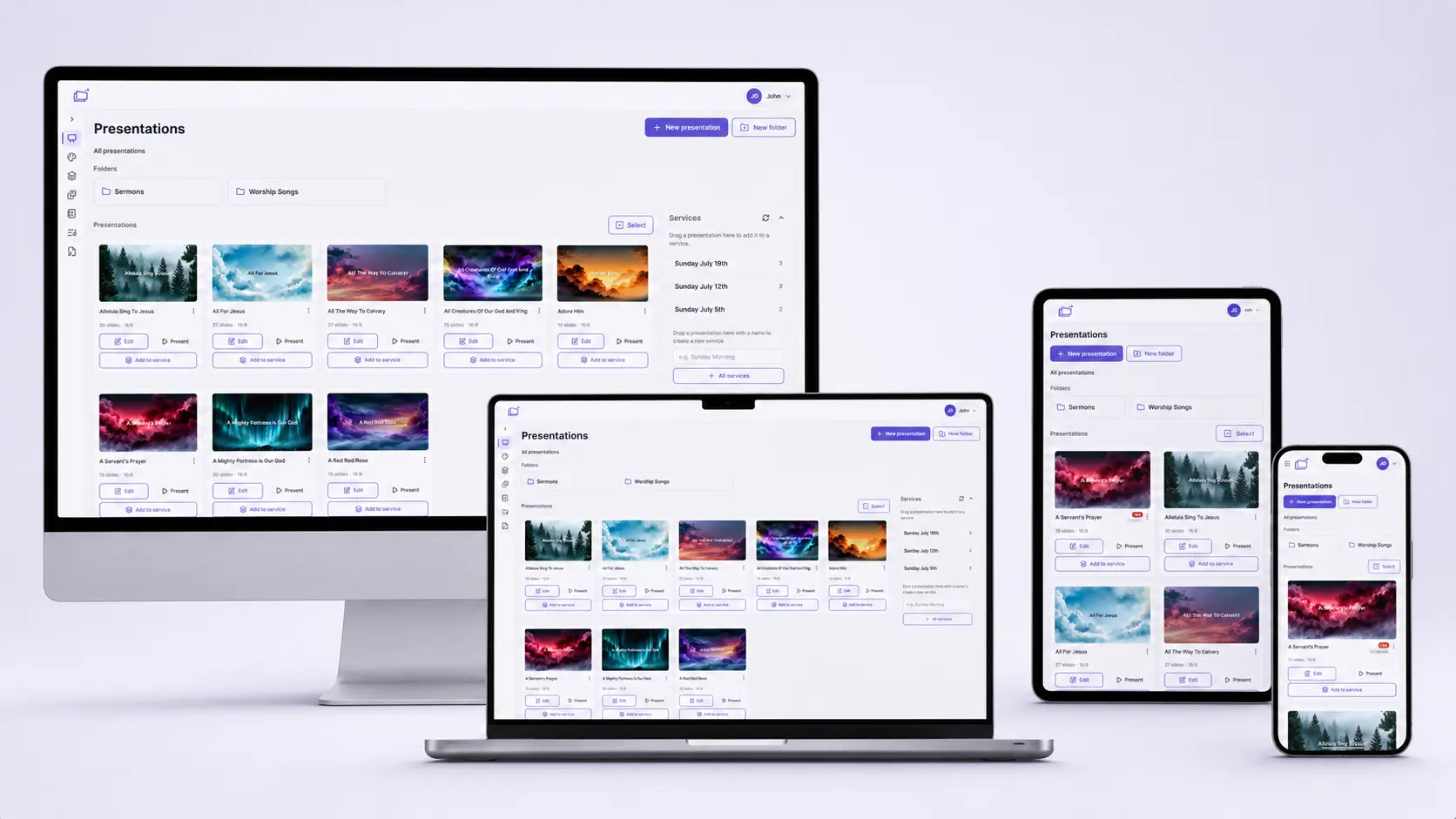
OpenLP is a free local installer that churches have trusted for years. WorshipDeck is a hosted web product — an alternative to OpenLP when you want one church library in the cloud and an operator console that does not travel as a USB service file.
Who OpenLP is for
OpenLP is a GPL open-source lyrics, Bible, and media projector maintained by a volunteer community. It installs on Windows, macOS, Linux, and FreeBSD with no seat limit. Official docs describe importing songs and Bibles, remote web or mobile control, a browser stage view on the local network, and VLC for media. There is no commercial SongSelect product.
That is the right tool when the budget is zero, the booth is Linux, or the church refuses a vendor subscription. Those are serious reasons, not leftover ones.
Choose WorshipDeck if
- You want a supported shared library that the whole team can open in a browser
- Ezra, sermon notes, and live setlist edits should not require copying a service file
- Outputs include Android TV or a Windows display host, not only LAN stage view
- Roles, help, and billing should be a product, not a forum thread
- Volunteers should sign in from home instead of handing around a USB stick
Choose OpenLP if
- The budget is zero and should stay zero
- You run a Linux (or FreeBSD) booth and want a native installer
- You refuse a vendor subscription and want GPL software you can keep forever
- Unlimited local installs and a LAN remote are enough for Sunday
Switching notes
There is no OpenLP importer in WorshipDeck. Rebuild songs and Bibles as presentations, songs, and scripture. Volunteers can keep OpenLP on a gym overflow PC if that room still needs a free installer.
WorshipDeck does not connect to SongSelect. See pricing for plan capacity; Starter and Church include the same features.
Related comparisons
Other free Windows installers include WorshipDeck vs FreeWorship and WorshipDeck vs VideoPsalm. Volunteer booths on a paid desktop often compare WorshipDeck vs EasyWorship.
Related
WorshipDeck vs FreeWorship
Compare WorshipDeck with FreeWorship, the free Windows church presenter with optional Pro.
WorshipDeck vs VideoPsalm
Compare WorshipDeck with VideoPsalm, free Windows software known for large Bible and song libraries and bilingual display.
WorshipDeck vs EasyWorship
Compare WorshipDeck's browser library with EasyWorship 8 for Mac and Windows volunteer booths.
Built for small churches
WorshipDeck for small churches and volunteer tech: browser-based slides and setlists, no dedicated presentation PC required, shared library for a handful of people, and the same product on Starter or Church plans.