WorshipDeck vs ProPresenter
Compare WorshipDeck and ProPresenter: web-based church slides and a shared library versus desktop live-production software for multi-screen and broadcast rooms.
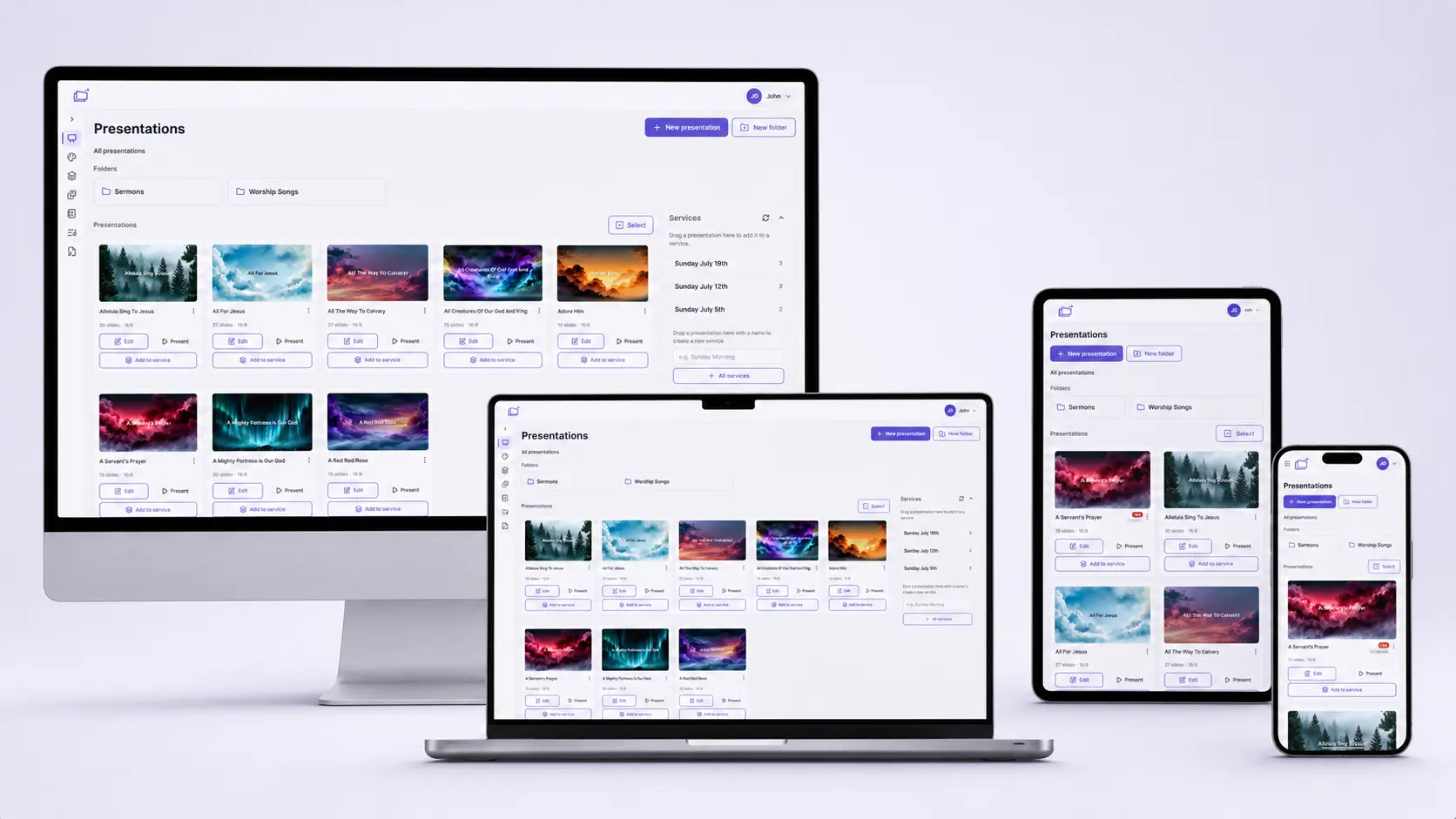
| WorshipDeck | ProPresenter | |
|---|---|---|
| Install and devices | Browser; optional Android TV + Windows host | Mac/Win app, seats |
| Where the library lives | Church cloud workspace | Booth / local show |
| Team prep during the week | Invite, shared library, browser | Operators on installed seats |
| Live edit without stopping screens | Yes, from present mode | Yes (official) |
| Scripture and songs | Church Bibles; catalog + My songs; no SongSelect | Strong Bible + lyric production |
| AI and media tools | Ezra, Media AI, animate image | Production media + stock add-ons |
| Outputs and multi-screen | Local browser, Android TV, Windows host; variants | Up to 8 outputs; NDI/SDI/Syphon |
| If the booth PC fails | Sign in on another device | Need another licensed/installed machine |
| Pricing model | Subscription; same features, capacity differs | Per-seat or campus subscription |
| Best fit | Volunteer teams, Chromebooks, shared library | Production / broadcast rooms |
ProPresenter is the production-desktop standard many media teams already know. WorshipDeck is a web-based alternative to ProPresenter for churches that want one shared library and an operator console in the browser, without tying Sunday to a single unlocked workstation.
Who ProPresenter is for
ProPresenter (Renewed Vision) is Mac and Windows software for live visuals: lyrics, media, stage screens, and broadcast-style outputs. Official pages highlight up to eight unique outputs, live editing that does not interrupt the house, and protocols such as NDI, SDI, and Syphon. Seats are subscription-based. Confirm current plans on their site.
That is the right tool when a dedicated operator treats Sunday like a show: layered media, hardware I/O, and a booth PC that is supposed to stay put.
Choose WorshipDeck if
- You want to prep on a Chromebook, tablet, or home laptop and present from whoever is in the room
- The library should live with the church, not on one volunteer machine
- You need Ezra, sermon notes, and a setlist you can edit live from present mode
- Outputs are projectors, TVs, Android TV, or a Windows host — not a broadcast chain
- You do not want to manage per-seat desktop activations for every ministry laptop
Choose ProPresenter if
- You need NDI, SDI, Syphon, key/fill, or a hardware video chain
- A trained operator will run layered production (ProPresenter documents 8 content layers)
- Stage screens, macros, MIDI/DMX, or timecode are part of the room design
- The church has already standardized on a Mac or Windows booth and wants that depth
Switching notes
There is no ProPresenter file importer in WorshipDeck. Rebuild lyric and sermon decks in the presentation editor, or start from songs and sermon notes. You can export a .pptx from WorshipDeck when you still need a portable file; live layouts and some media will not round-trip.
WorshipDeck does not connect to CCLI SongSelect or Planning Center. Store CCLI numbers on songs if you need them on credits slides. See pricing for plan capacity; do not assume a dollar amount from this page.
Related comparisons
If ProPresenter feels like more production than you need, see WorshipDeck vs EasyWorship or WorshipDeck vs MediaShout. Churches still on generic slides should read WorshipDeck vs PowerPoint.
Related
WorshipDeck vs EasyWorship
Compare WorshipDeck's browser library with EasyWorship 8 for Mac and Windows volunteer booths.
WorshipDeck vs MediaShout
Web-based church presentation software compared with MediaShout's one-time Windows or Mac site license.
WorshipDeck vs PowerPoint
Compare WorshipDeck with PowerPoint and Google Slides for church lyrics, scripture, and live services.
Web-based church presentation software
WorshipDeck's editor and live controls run in the browser. Prep and present from Windows, Mac, Chromebook, tablet, or phone, with Android TV, local browser, or multi-monitor Windows outputs.