WorshipDeck vs WorshipTools
Compare WorshipDeck with WorshipTools Presenter, the cloud-synced desktop app formerly called Worship Extreme.
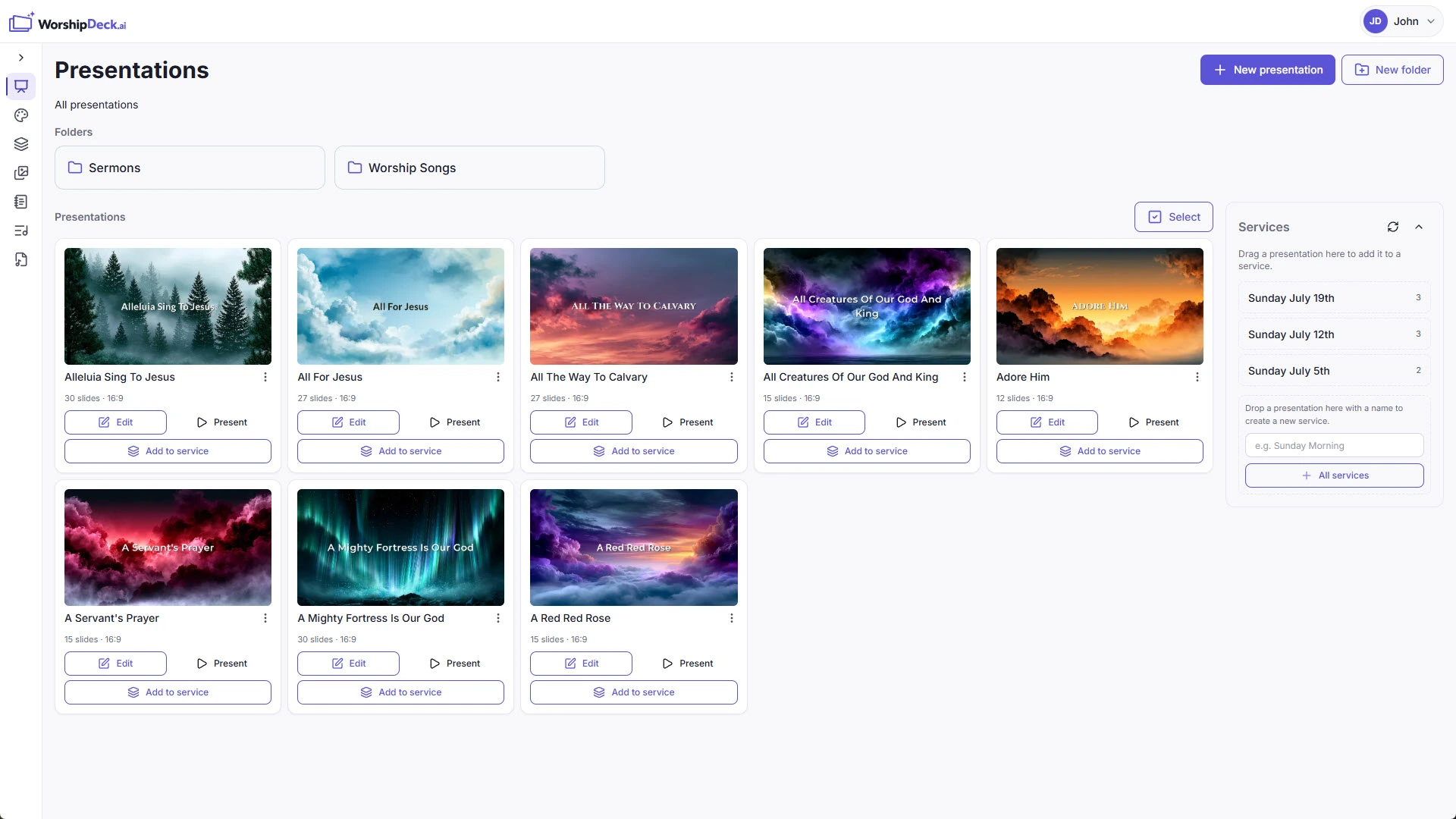
| WorshipDeck | WorshipTools | |
|---|---|---|
| Install and devices | Browser; optional Android TV + Windows host | Mac/Win app, cloud sync |
| Where the library lives | Church cloud workspace | Cloud-synced presenter assets |
| Team prep during the week | Invite, shared library, browser | Cloud sync + user limits on free |
| Live edit without stopping screens | Yes, from present mode | Desktop |
| Scripture and songs | Church Bibles; catalog + My songs; no SongSelect | SongSelect/Loop; 65+ Bibles; CCLI report |
| AI and media tools | Ezra, Media AI, animate image | Motion graphics on higher plans |
| Outputs and multi-screen | Local browser, Android TV, Windows host; variants | Multi-output and stage on paid plans |
| If the booth PC fails | Sign in on another device | Install + sync on another Mac/Win |
| Pricing model | Subscription; same features, capacity differs | Free tier + Pro / Pro Plus |
| Best fit | Volunteer teams, Chromebooks, shared library | Cloud-synced desktop + CCLI suite |
WorshipTools Presenter — formerly Worship Extreme — is a Mac and Windows desktop app that syncs lyrics, media, and cue lists through their cloud. WorshipDeck is a web-based alternative to WorshipTools when you want the editor itself in the browser, not an installed Presenter with a sync layer.
Who WorshipTools is for
WorshipTools Presenter is a desktop presenter for macOS and Windows. Official pages describe online and offline use, cloud sync of lyrics, media, and cue lists, 65+ Bibles, SongSelect and Loop lyric import, and CCLI auto-reporting as part of the wider WorshipTools suite (planning, Charts, and a people database). A free lifetime tier limits storage, users, and items per service; multi-output and stage display sit on paid plans. Confirm current plan gates on their pricing page.
That is the right tool when you want a cheap or free installed presenter, CCLI reporting, and the rest of the WorshipTools suite — not a presentation-only browser product.
Choose WorshipDeck if
- The editor and operator console should be the browser, including Chromebooks and phones
- You do not want item-count caps on a free-tier presenter
- Sunday should stay presentation-first, not a planning and people-database suite
- You need Ezra and a church library that is not gated by Presenter storage limits
- Outputs are local browser windows, Android TV, or a Windows display host
Choose WorshipTools if
- You want a free or low-cost installed Presenter with cloud sync
- SongSelect / Loop import and CCLI auto-reporting are part of the workflow
- Official offline presenting on the Mac or Windows booth PC matters
- The church also wants WorshipTools planning, Charts, and the people database
Switching notes
There is no WorshipTools or Worship Extreme importer in WorshipDeck. Rebuild cue lists as presentations and services. Older links to /compare/worship-extreme land on this page.
WorshipDeck does not connect to SongSelect and is not a church management suite. Store CCLI numbers on songs if you need them on credits slides. See pricing for plan capacity; do not assume a dollar amount from this page.
Related comparisons
Another cloud-synced desktop is WorshipDeck vs Proclaim. Production rooms often compare WorshipDeck vs ProPresenter. Churches who want a free installer without a suite should read WorshipDeck vs OpenLP.
Related
WorshipDeck vs Proclaim
Compare WorshipDeck's browser workspace with Faithlife Proclaim's cloud-synced Mac and Windows app.
WorshipDeck vs ProPresenter
Compare WorshipDeck and ProPresenter: web-based church slides and a shared library versus desktop live-production software for multi-screen and broadcast rooms.
WorshipDeck vs OpenLP
Compare WorshipDeck with OpenLP, the free open-source church presentation app for Windows, Mac, and Linux.
Songs that become stage-ready slides
Browse a global song catalog or keep your church's own ChordPro songs in WorshipDeck. Compose lyric slides with congregation, lower-third, and confidence-monitor outputs, including CCLI on credits slides.